
Podcast ID3 Tag Editor
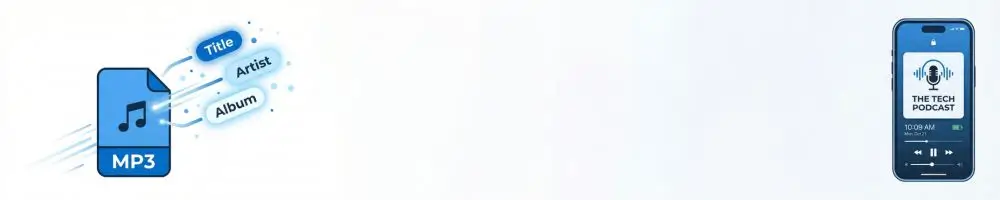
Metadata Builder & Cover Art Preview
Run this command to apply tags losslessly to your file.
ffmpeg -i "filename.mp3" -c copy "output.mp3"
❓ ID3 Tag Editor FAQ
A: ID3 tags are hidden data inside your MP3 file. They tell players (like Apple Podcasts or Spotify) the Title, Artist, and—most importantly—the Cover Art. Without proper tags, your episode might show a generic icon instead of your artwork on lock screens and car dashboards.
A: This tool is a podcast metadata builder. Upload your image to preview it, fill in the details, and then copy the generated ffmpeg command. Run this command on your computer to professionally embed the artwork and metadata into your file.
A: Online converters often re-encode audio, which lowers quality. The command generated by this tool uses -c copy, ensuring your audio stream is copied losslessly while only updating the tags. It’s the professional standard for high-quality audio.