
Automate Podcast to LinkedIn
The free blueprint to sync your RSS feed and auto-publish episodes.
🚫 Why Manual Posting Kills Growth
If you want to automate podcast to LinkedIn, you already know the struggle. You spend hours editing, but forget to promote. Inconsistent posting means you lose B2B listeners and potential sponsors. This tool fixes that forever.
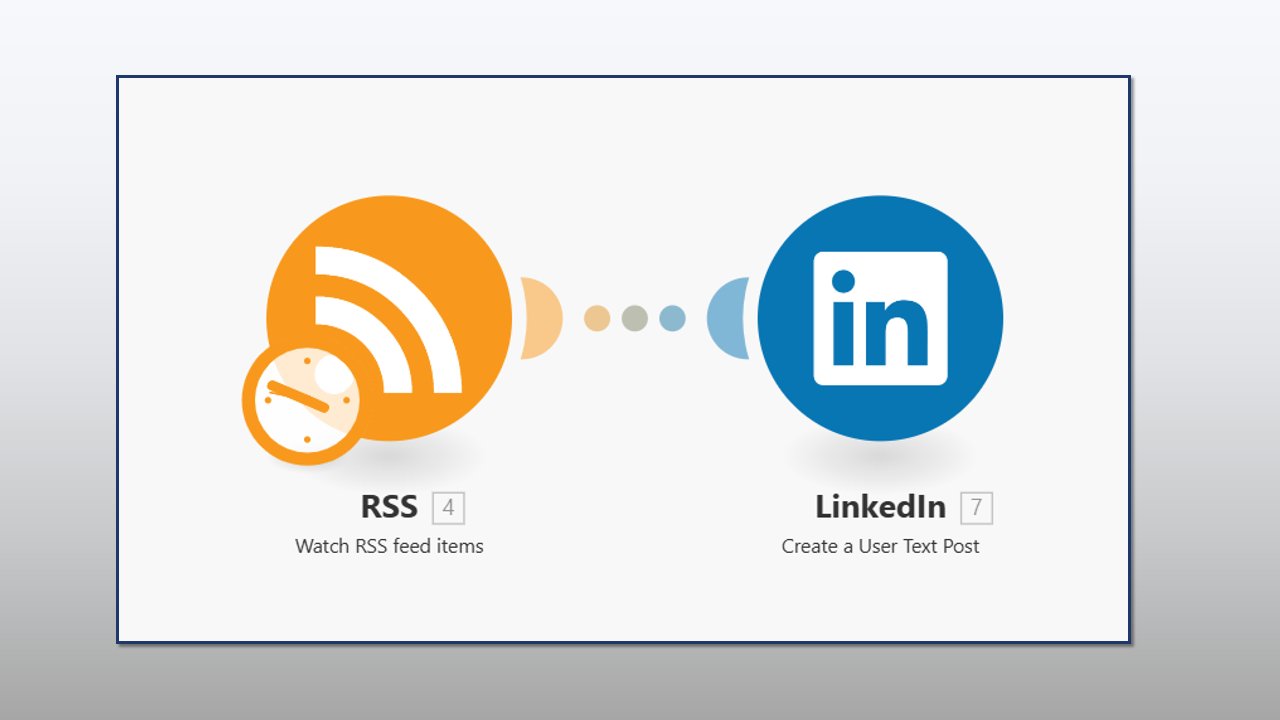
It watches your podcast feed 24/7 for new items.
It formats the title and link, then publishes instantly.
Start Automating Now
Get this workflow setup in 5 minutes. No coding required.
Get Free Blueprint ⚡️👇 Requires a free Make.com account.
How to Automate Podcast to LinkedIn in 3 Steps
Using Make.com (formerly Integromat) is the most cost-effective way to handle your social media distribution. Unlike Zapier, which can get expensive, this method is often free for podcasters.
Step 1: Get the Blueprint
Click the button above to import this “RSS to LinkedIn” scenario into your Make dashboard. It is pre-configured to handle standard podcast RSS feeds.
Step 2: Connect Your Feed
Simply paste your RSS feed URL (from Buzzsprout, Libsyn, Anchor, etc.) into the first module. The automation will now “listen” for new episodes.
Step 3: Connect Your LinkedIn Profile
Authorize Make to post on your behalf. You can choose to post to your personal profile or a Company Page.
Frequently Asked Questions (FAQ)
Yes. Make.com offers a free tier that includes 1,000 operations per month. Since most podcasts only publish 4-8 episodes a month, you can automate podcast to LinkedIn completely for free.
This tool works with your RSS Feed. However, the link posted to LinkedIn will be the one inside your RSS feed (usually your podcast website or host page), which is better for SEO than sending traffic directly to Apple.
Absolutely. Once you import the blueprint, you can add text like “New episode out now!” or hashtags before the dynamic link.