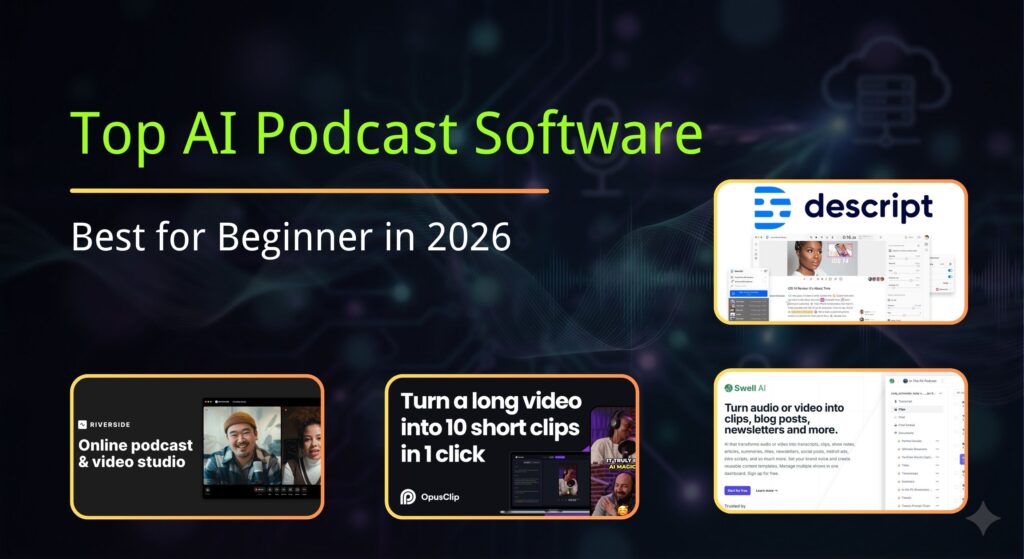
10 Best AI Podcast Editors for Beginners & Pros (2026)
Editing a podcast used to take hours. Now, with automatic podcast editing tools, it takes minutes. We tested the top 10 Best AI Podcast Editor to help you choose the right one.
Updated: Dec 2025 | Category: Best AI Tools
Disclosure: This article contains affiliate links. We may earn a commission if you verify a purchase, at no cost to you.
🏆 Quick Summary: Top 3 Picks
| Award | Software | Best For | Starting Price |
|---|---|---|---|
| 🥇 Best Overall | Descript | Text-Based Editing | Free / $12 |
| 🥈 Best Browser | Podcastle | Chromebook/Web users | Free / $11 |
| 🥉 Best Repair | Adobe Enhance | Fixing Bad Audio | Free |
Traditional DAWs like Audacity or GarageBand are powerful, but they require technical skill. In 2025, you need an AI podcast editor that automates the heavy lifting: removing silence, leveling loudness, and cutting filler words.
Top 3 AI Editors Reviewed (Deep Dive)
Descript
Descript is widely considered the best podcast editing software for beginners because it removes the technical barrier. It transcribes your audio into text, and you edit the podcast by simply deleting words in the document.
🔥 Killer Feature: “Underlord” AI
Descript’s new AI assistant, Underlord, can automatically find the best clips for social media, remove retakes (where you repeated a sentence), and even write your show notes.
- Free: 1 transcription hour/month (Watermark on video).
- Creator ($12/mo): 10 transcription hours/mo + 4K export.
- Pro ($24/mo): 30 hours + Unlimited Overdub & AI Effects.
- Edit audio like a Word doc (super fast)
- Studio Sound removes echo/noise instantly
- “Eye Contact” fix for video podcasts
- Web version is slower than Desktop app
- Video export can take time on older computers
Read our full deep-dive Descript Review here.
Try Descript for Free →Podcastle
If you don’t want to install heavy software, Podcastle is the best browser-based alternative. It is an all-in-one recording and editing studio. It is perfect for users on Chromebooks or shared computers.
🔥 Killer Feature: “Magic Dust”
This is their version of AI noise cancellation. In our tests, Magic Dust often sounds more natural than Adobe’s Enhance Speech, preserving the richness of the human voice.
- Basic (Free): Unlimited recording, limited editing.
- Storyteller ($11.99/mo): High-quality downloads + AI features.
- No installation required (Runs in Chrome)
- Includes royalty-free music library
- “Revoice” feature creates a digital voice clone
- Depends on internet connection speed
- Video editing is less advanced than Descript
Adobe Podcast
Looking to auto edit podcast free? Adobe Podcast “Enhance” is a simple drag-and-drop tool. Note: It is NOT a full editor (you can’t cut clips), but it is the best tool for cleaning bad audio before you edit it.
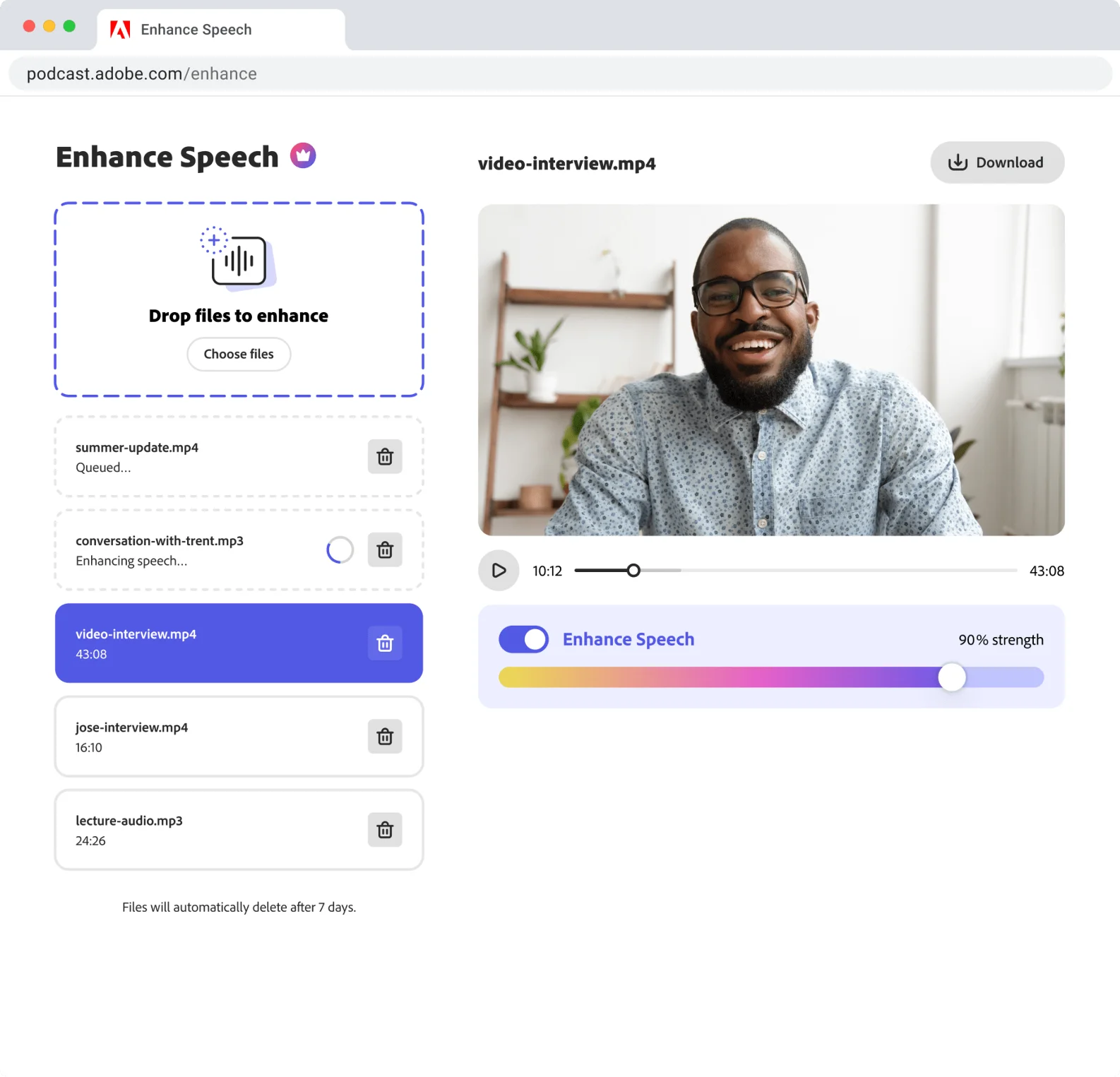
💡 Pro Workflow: Run your raw audio through Adobe Enhance first -> Download the clean WAV -> Import into GarageBand or Descript to edit.
Try Adobe Enhance Free →The Best of the Rest (Specialized Tools)
These tools serve specific needs like post-production leveling, video clips, or advanced noise removal.
Best For: Video Podcast Editing.
While primarily a recording tool, Riverside’s new editor is game-changing. It uses AI to automatically color-code speakers and creates “Magic Clips” for TikTok. It’s the fastest way to go from “Record” to “Social Media Post.”
Best For: Final Mastering & Loudness.
Auphonic is not for cutting; it’s for polishing. Upload your finished episode, and it will balance the volume between speakers, remove background hum, and set the loudness to -16 LUFS (the podcast standard). It’s an essential finishing step.
Best For: Removing “Umms” & “Ahhs”.
While Descript does this too, Resound specializes only in filler word detection. Its accuracy is slightly higher, and it allows you to review edits much faster with a gamified interface.
Best For: Premiere Pro Users.
If you edit video podcasts in Adobe Premiere Pro, you need this. AutoPod automatically switches camera angles based on who is speaking (Multi-Camera Editor). It saves hours of manual cutting.
Best For: Written Content & SEO.
Swell AI doesn’t edit your audio; it edits your content. It turns your episode into SEO-optimized blog posts, show notes, and newsletters. It’s a “Written Editor” for your audio.
Best For: Automatic Jump Cuts.
Wisecut automatically identifies and deletes silence, creating those snappy “jump cuts” you see on YouTube. It also adds background music that automatically ducks (lowers volume) when you speak.
Best For: Mouth Sounds & Stuttering.
Cleanvoice goes deeper than just noise. It removes stuttering, clicking mouth sounds, and long silences. It’s a “cleaning” editor rather than a creative one.
FAQs about AI Editing
Can I auto edit podcast free?
Yes. You can use the Descript Free Plan (1 hour/month) or Adobe Podcast Enhance (free audio cleaning). For unlimited free editing, you will need a traditional tool like Audacity, but it won’t be “automatic.”
What is the best podcast editing software for beginners on Mac?
Descript is natively optimized for Mac (Apple Silicon) and is extremely stable. GarageBand is free on Mac, but it lacks the AI features like text-based editing and voice cloning.