
Podcast Tools Guides & Tutorials

In-depth tutorials and step-by-step walkthroughs. Learn how to troubleshoot audio, fix RSS feed errors, and scale your show using the best free tools on the web.
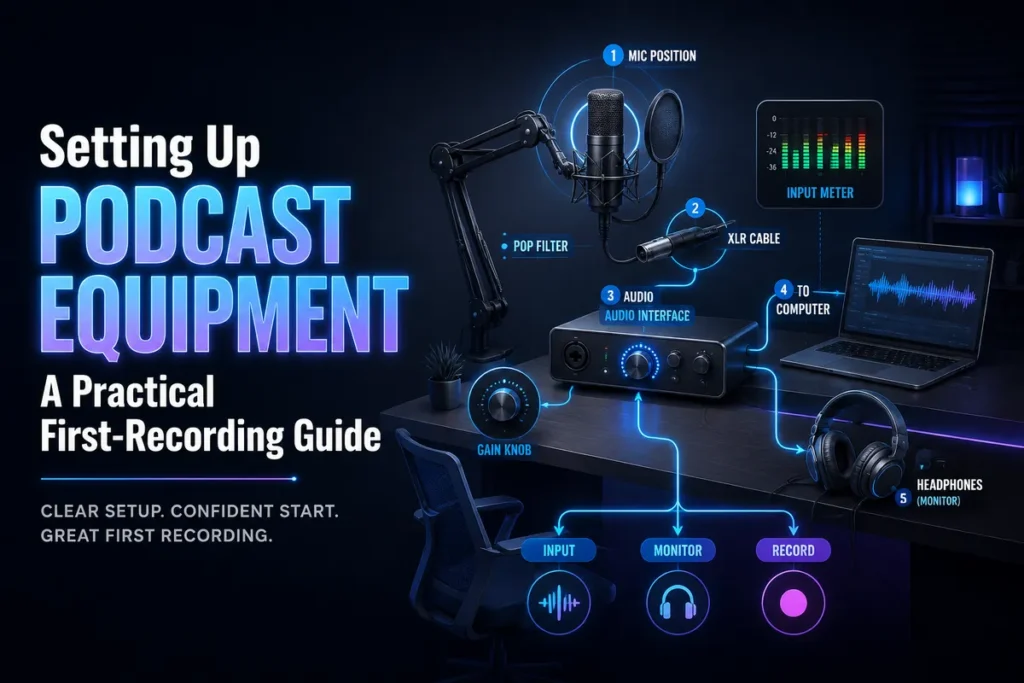
Setting Up Podcast Equipment: A Practical First-Recording Guide
Learn the correct order for setting up podcast equipment in a small office or home…
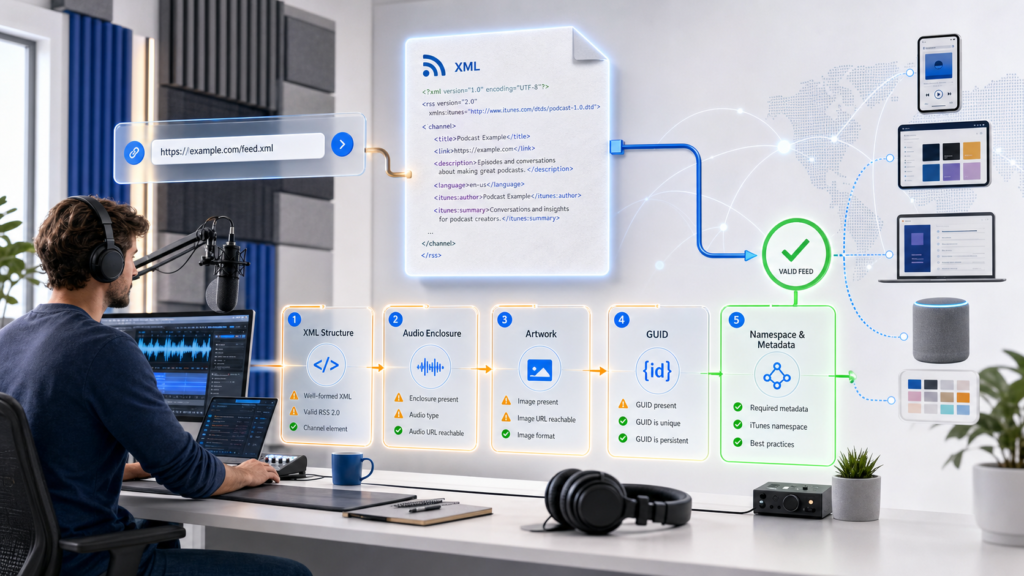
How to Fix Podcast RSS Feed Errors: XML, GUID & Enclosure
Troubleshooting Guide Podcast RSS feed errors can prevent directories from reading show metadata, finding episode…
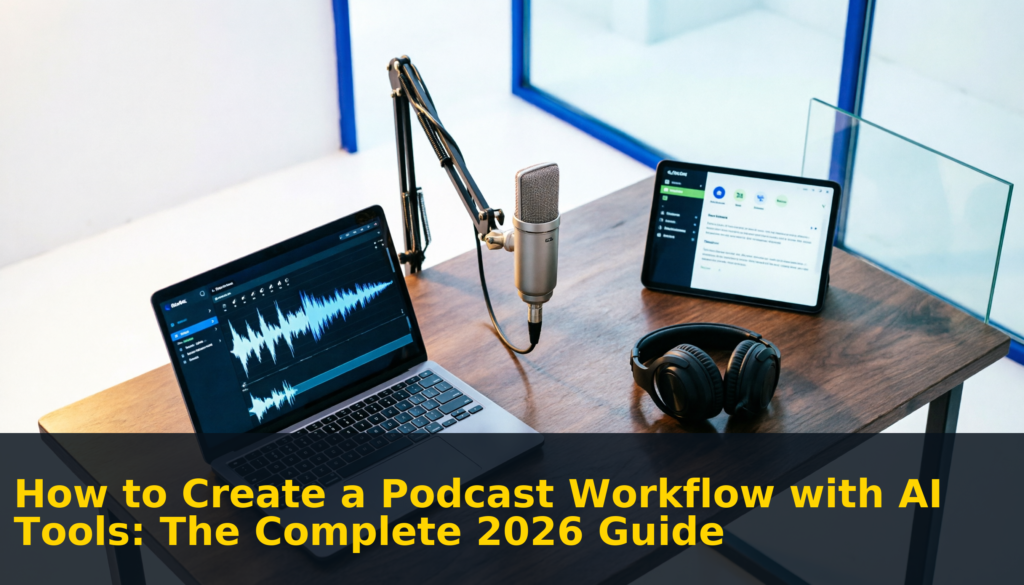
How to Create a Podcast Workflow with AI Tools: The Complete 2026 Guide
STEP-BY-STEP GUIDE Learning how to create a podcast workflow with AI tools is the single…
How to Turn Podcast Episodes into Blog Posts: The Ultimate Guide for Podcasters (2026)
Podcast Growth Guide Learning how to turn podcast episodes into blog posts is one of…
Riverside vs Descript (2026): Which Podcast Tool Wins?
Tool Comparison Guide Choosing between Riverside and Descript is one of the most common dilemmas…
7 Best AI Transcription Tools for Podcasters in 2026 (Tested & Ranked)
Podcaster’s Guide Finding the best AI transcription tools for your podcast can mean the difference…