How to Merge Podcast Intro and Outro Online (No Software Required)
You just finished recording a great episode. Now comes the annoying part: Packaging.
Do you really need to open heavy software like Audacity, wait for it to load, import three files, drag tracks, and export… just to add an Intro? No. There is a faster way to podcast intro outro combine directly in your browser.
Combining your main recording with your branded music is the final step of production. It transforms a raw voice memo into a professional “Episode.” In this guide, we will show you how to stitch files together in seconds without installing any software.
The “Audio Sandwich” Method
Before we start clicking, visualize your podcast episode as a sandwich. This structure is the industry standard for 99% of successful shows.
Our goal is to use the Audio Joiner to stack these three files vertically and export them as one seamless file.
Step-by-Step: How to Combine Intro and Outro Online
Prepare Your Files
Ensure you have three separate audio files ready.
- Intro.mp3: Your pre-recorded opening music.
- Episode.wav: Your main content (freshly recorded).
- Outro.mp3: Your standard closing message.
Tip: It’s okay to mix MP3 and WAV files. Our tool handles format conversion automatically .
Upload to the Secure Audio Joiner
Go to the Audio Joiner Tool. Click “Add Audio Files” or drag and drop your three files into the box.
Sequence Your Tracks
Once uploaded, you will see the files listed. The order matters!
- Drag your Intro to the top position.
- Place your Main Episode in the middle.
- Place your Outro at the bottom.
Check the total duration preview. If your Intro is 30s, Episode is 20m, and Outro is 30s, the total should be roughly 21:00 .
Enable Crossfade (Optional)
To avoid a “choppy” transition where the music cuts off abruptly, enable the “Crossfade” option (added in our Jan 2026 update ). This blends the end of the intro into the start of your voice for 1-2 seconds, creating a radio-style transition.
Merge and Export
Click the “Merge” button. The browser will stitch the data together.
Format Recommendation: We recommend exporting as WAV for the master file to preserve quality . You can convert it to MP3 later before uploading to your host.
Wait! Check These 3 Common Mistakes
Before you publish your merged file, watch out for these rookie errors that can ruin the listener experience.
-
Mistake #1: The “Volume Jump” Scare
Is your music Intro significantly louder than your voice? This hurts listeners’ ears.
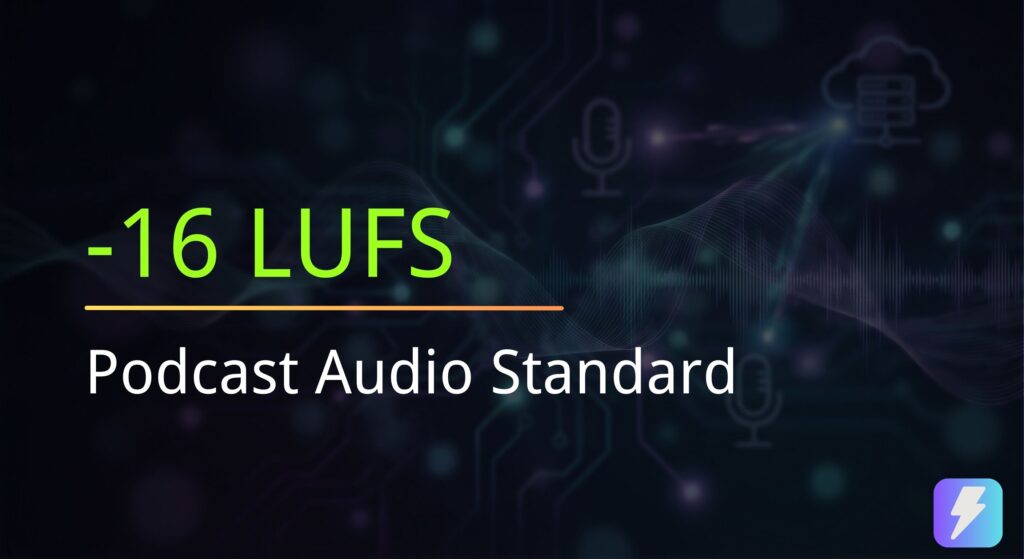
Fix: Use our Volume Normalizer to check if both files are around -16 LUFS before joining them. -
Mistake #2: Using Low-Quality MP3s
If your Intro is a 64kbps MP3, it will sound “fuzzy” compared to your high-quality voice recording.
Fix: Always use files with a bitrate of at least 128kbps or higher . -
Mistake #3: Abrupt Cuts
Did the music cut off mid-sentence?
Fix: Ensure your source files have a “Fade Out” applied at the ends before you merge them.
Why Use an Online Joiner vs. Audacity?
You might ask: “Why not just use Audacity?” While DAWs (Digital Audio Workstations) are powerful, they are often overkill for this specific task.
| Feature | PodTools Audio Joiner | Audacity / GarageBand |
|---|---|---|
| Speed | Instant (No loading) | Slow (Software startup) |
| Complexity | Drag & Drop (Simple) | Multi-track Timeline (Complex) |
| Cost | Free | Free (Open Source) |
| Privacy | Local Browser Processing | Local Software |
For simple podcast intro outro combine tasks, the browser tool removes the friction of managing project files and rendering times.
Frequency Asked Questions
Can I merge audio online without losing quality?
Yes. Unlike many “server-side” converters that re-compress your audio, our tool joins the data streams locally. We recommend exporting in WAV format to ensure zero quality loss during the merge.
What is the best format for podcast intros?
We recommend keeping your master Intro/Outro files as WAV or high-bitrate 320kbps MP3. This ensures that when you merge them with your episode, they remain crisp and clear .
How do I fix volume differences between intro and episode?
This is critical. Before merging, run both files through our Loudness Analyzer . If your Intro is -10 LUFS and your voice is -18 LUFS, turn down the Intro by about 6-8 dB so they match.