Using Otter.ai for Podcast Transcripts: Is It Accurate Enough? (2025 Review)
Is Otter just for meetings, or can you actually use it for podcasting? We tested its accuracy against Whisper, analyzed its free plan limits, and discovered why it might be the best “Second Brain” for interviewers.
Try Otter for Free →
Disclosure: We may earn a commission if you sign up through our links. This review is based on real testing of the Otter Pro plan.
The Problem: “Where did they say that?”
Every podcaster knows the pain. You record a 60-minute interview. It was amazing. But now you need to write the Show Notes, find that one viral quote for TikTok, and write a blog post.
You have two choices:
- Re-listen to the whole hour (waste of time).
- Use AI to transcribe it.
Most people think of using Otter.ai for podcast transcripts just to get text. But after testing it for 3 months, we found its real power isn’t just “speech-to-text”—it’s searchability.
Feature 1: The “Live Notes” Experience
Unlike OpenAI Whisper (which processes files after you record), Otter works live.
Imagine you are interviewing a guest. They say something profound. Instead of scrambling for a pen, you just tap “Highlight” on your screen.
Why this matters for Podcasters: When you finish recording, you don’t have a blank page. You already have your top 5 quotes highlighted and ready for social media. This saves hours of post-production time.
The Elephant in the Room: Is Otter Accurate?
If you are thinking of using Otter.ai for podcast transcripts that will be published on your website (for SEO), accuracy is critical.
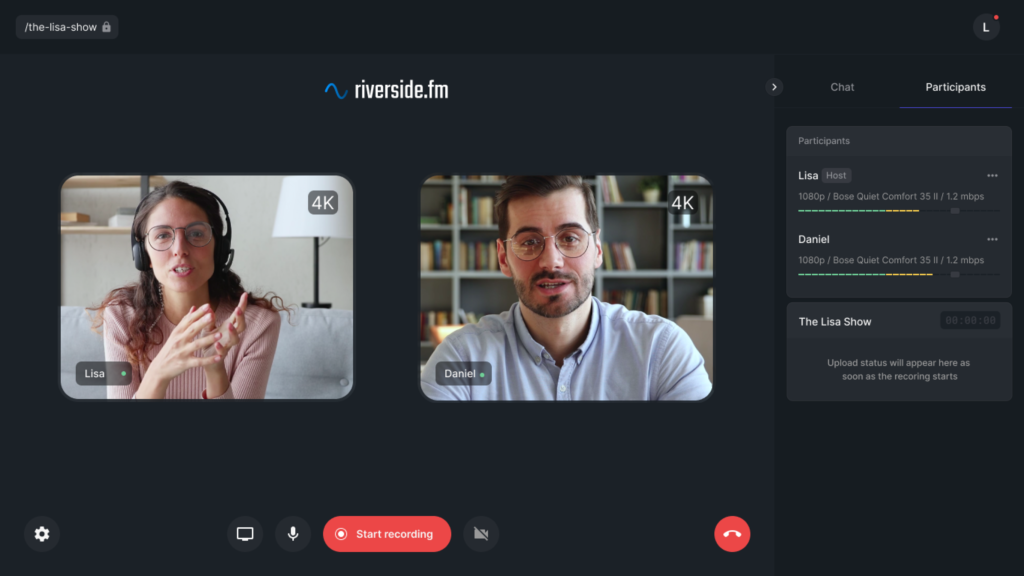
We ran a controlled test using a 5-minute clip from a podcast recorded on Riverside.fm (high quality) and a Zoom recording (compressed).
Word Error Rate Comparison (Lower is Better)
The Perfect Otter Workflow for Podcasters
So if it’s not the most accurate, why do we recommend it? Because of the Workflow.
Step 1: The “OtterPilot” (Recording)
Connect Otter to your Google Calendar. When your interview time starts (on Zoom, Google Meet, or Microsoft Teams), the OtterPilot bot automatically joins the meeting.
It records the audio, writes the notes, and even captures slides if the guest shares their screen. You focus on the conversation; Otter focuses on the notes.
Step 2: The “Search & Clip” (Editing)
This is where Otter beats every other tool. Let’s say you remember the guest mentioned “Bitcoin” somewhere in the hour-long chat.
- Type “Bitcoin” in the Otter search bar.
- It instantly jumps to every mention.
- You can listen to just that sentence.
- Killer Feature: You can export just that clip as an MP3 or MP4 (audiogram) directly from Otter.
Step 3: Show Notes Generation
Otter’s new “AI Chat” feature allows you to talk to your transcript. You can ask it:
“Write a catchy podcast title, a 100-word summary, and 5 bullet points with timestamps based on this recording.”
It generates usable Show Notes in seconds.
Otter.ai Free vs Pro: Don’t Get Trapped
Otter offers a generous free plan, but there is a major “gotcha” for podcasters. Here is the breakdown for 2025.
| Feature | Basic (Free) | Pro ($10/mo) |
|---|---|---|
| Transcription Minutes | 300 mins / month | 1,200 mins / month |
| Conversation Limit | 30 mins / recording | 90 mins / recording |
| Import Files (Upload) | 3 Lifetime Files (!!) | Unlimited Import |
⚠️ Crucial Warning: The “Import” limit on the Free plan is strictly 3 files per lifetime. This means if you record your audio on Riverside and want to upload it to Otter to transcribe, you MUST upgrade to Pro after 3 episodes. The Free plan is designed for live recording via the app/Zoom only.
Otter vs. The Competition
Otter vs. Descript
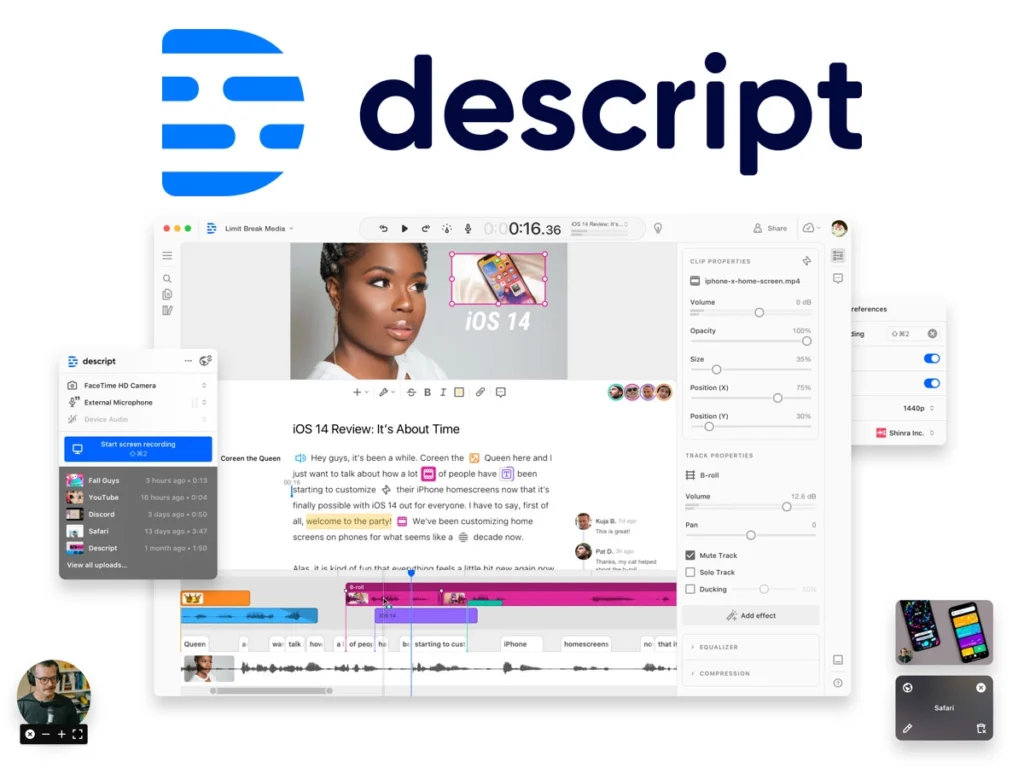
Descript is an editor. You use it to cut audio and make videos. Otter is a note-taker. You use it to find information. Use Otter to organize your thoughts; use Descript to edit the final product.
Otter vs. Fathom
Fathom is entirely free and great for Zoom. However, Fathom deletes your recordings after a certain period (unless you pay) and lacks the advanced “Chat with Audio” features that Otter excels at. For professional archiving, Otter is safer.
Final Review: Should Podcasters Use Otter?
- Best-in-class searchable database.
- “OtterPilot” automates joining Zoom calls.
- Real-time highlighting is a game changer for interviewers.
- Mobile app is excellent for on-the-go ideas.
- Accuracy is lower than Whisper (expect 90%).
- Free plan has severe upload limits.
- Not an audio editor (cannot cut WAV files).
Conclusion: If you are looking for a tool to generate perfect subtitles, look elsewhere. But if you want a Second Brain that remembers everything your guests ever said, organizes it, and helps you write show notes in seconds, Otter.ai is an essential tool in the modern podcaster’s stack.
FAQs
Can I use Otter.ai for podcast transcripts?
Yes, but with a caveat. It is great for creating Show Notes and blog posts. However, for verbatim transcripts (like legal or medical podcasts), you will need to manually correct about 5-10% of the text, as it sometimes struggles with technical jargon.
Does Otter.ai integrate with Riverside?
Not directly. The best workflow is to record on Riverside (for video quality), download the audio, and then upload it to Otter (requires Pro plan) to get the transcript and AI summary.
Is Otter safe for private interviews?
Otter uses encryption, but like all AI tools, data is processed in the cloud. If you are recording highly sensitive NDA content, we recommend using an offline transcriber like MacWhisper instead.