How to Make a Podcast Using AI Tools: The 2026 Step-by-Step Guide
Want to start a podcast but scared of the technical work?
The old way took weeks of planning and hiring expensive editors. The new AI podcast production workflow takes hours. In this guide, we reveal the exact “AI Stack” you need to launch a professional show with zero experience.
Updated: Dec 17, 2025 | Difficulty: Beginner
Disclosure: This guide contains affiliate links. We may earn a commission if you use the tools we recommend.
The “Holy Trinity” of AI Podcasting
To run a lean operation, you only need three core tools. We call this the “AI Production Stack”:
ChatGPT / Claude
For Scripting & Planning
Planning & Scripting with ChatGPT
Most beginners quit because they don’t know what to say. AI solves “Writer’s Block” instantly.
Do not just ask ChatGPT to “write a podcast.” The result will sound robotic. Instead, use this specific ChatGPT podcast script example to generate a structured outline.
Copy this Prompt
“Act as a professional podcast producer. I am starting a podcast about [INSERT TOPIC, e.g., Urban Gardening] for [INSERT AUDIENCE, e.g., Busy City Dwellers].
Please generate a 10-episode season plan. Then, write a detailed script for Episode 1.
Include:
1. A catchy ‘Cold Open’ hook (30 seconds).
2. An Intro music cue.
3. 3 main talking points with bullet points.
4. A clear Call to Action (CTA) at the end.
Tone: Conversational, witty, and energetic.”
💡 Tip: Replace the bold text with your niche.
Once you have the script, don’t read it like a robot. Treat it as a “Teleprompter Guide.” Speaking of teleprompters…
Recording Studio Quality (Remote)
Do not record on Zoom. I repeat: Do not record on Zoom.
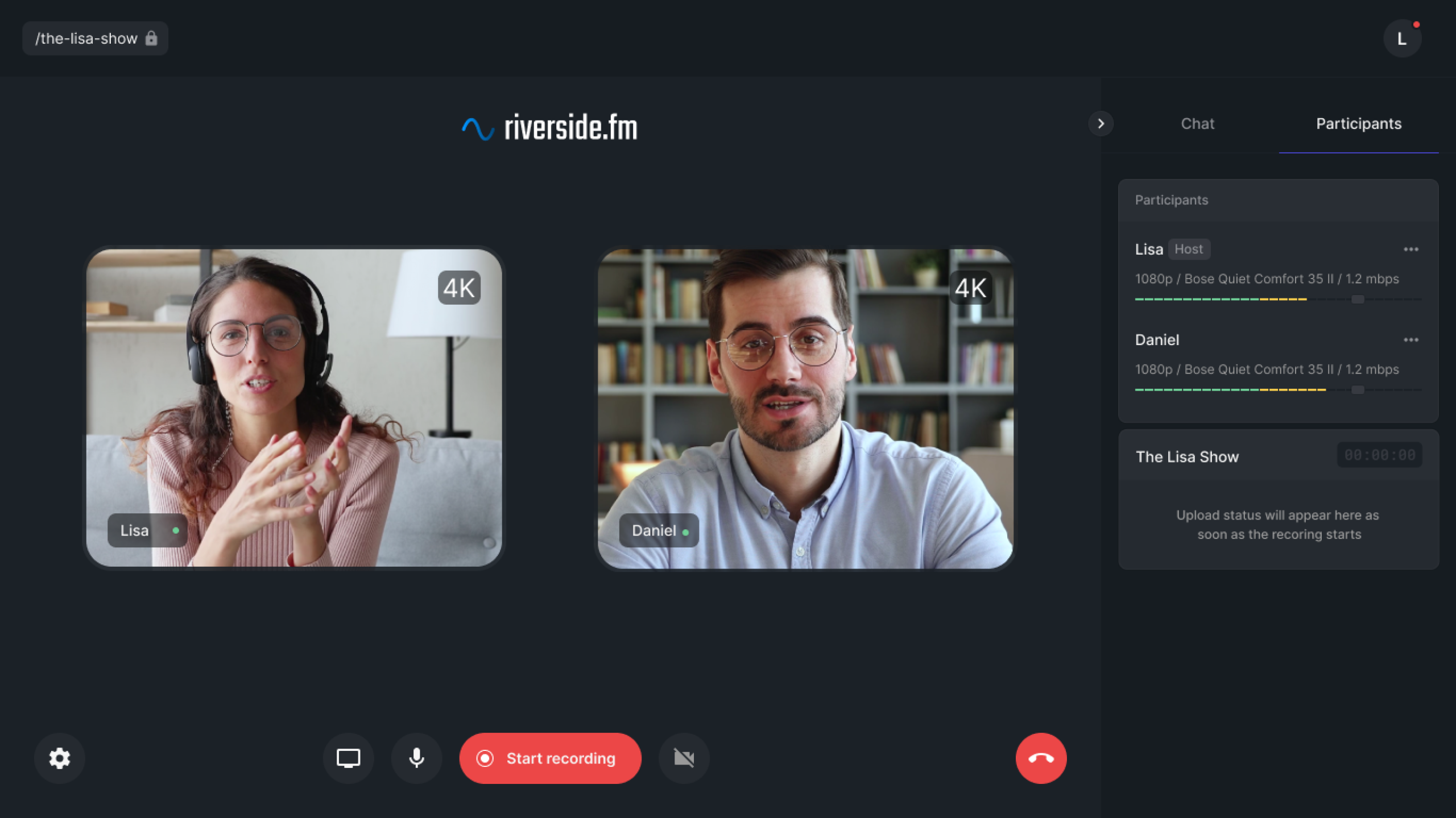
To get an “AI-Powered” result, you need high-quality data. We recommend Riverside.fm because it records locally on your device.
The AI Teleprompter Trick
Remember the script ChatGPT wrote in Step 1? You don’t need to memorize it.
- Log in to Riverside.
- Click “Script” in the recording dashboard.
- Paste your ChatGPT script there.
- Magic: Riverside allows you to adjust the scroll speed. You can look directly at the camera while reading your script.
Riverside records separate Audio (WAV) and Video (4K) tracks. This is crucial for Step 3. If you record on a phone, everything is mixed together, making AI editing impossible.
(Read our full Riverside.fm Review for a deeper tutorial.)
The “Text-Based” Editing Workflow
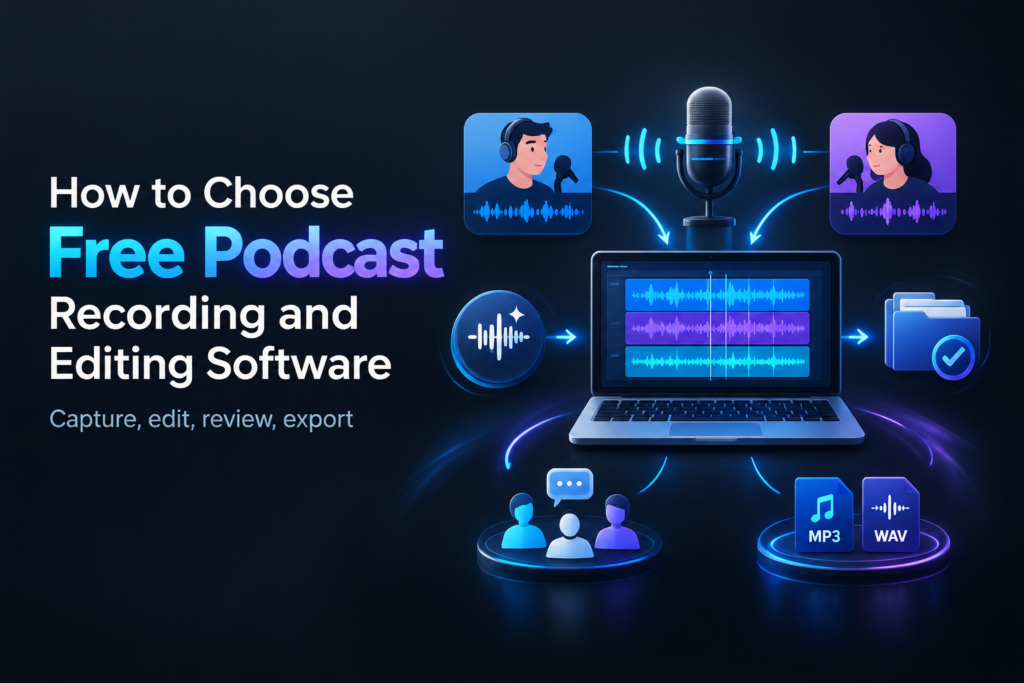
This is where the magic happens. We are going to use Descript to edit the podcast without touching a waveform.
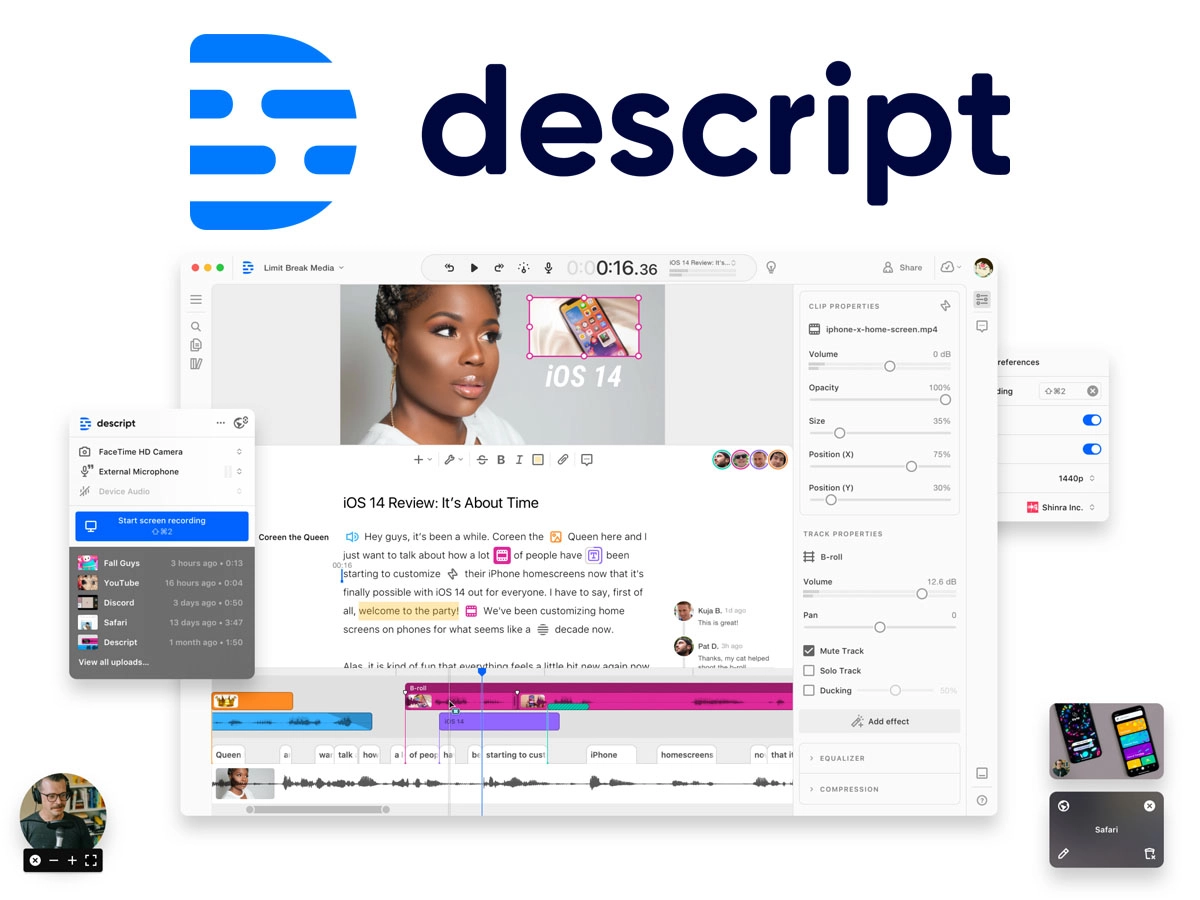
The 4-Click AI Workflow:
- Click 1: Import. Drag your Riverside WAV files into Descript. It will transcribe them automatically.
-
Click 2: Clean Up. Go to
Actions > Remove Filler Words. Descript will find every “um,” “uh,” and “like.” Click “Apply to All” to delete them instantly. - Click 3: Studio Sound. Enable the “Studio Sound” effect. This AI filter removes echo and fan noise, making you sound like you are in a professional booth.
- Click 4: The “Paper Edit”. Read through the transcript. If you see a boring paragraph, highlight the text and press Delete. The audio cuts automatically.
(Read our full Descript Review for a deeper tutorial.)
Repurposing & Marketing
You recorded and edited. Now you need to grow.
Don’t write show notes manually. Upload your final audio to Swell AI or Castmagic.
These tools will automatically generate:
- SEO-optimized Show Notes (for Apple Podcasts).
- A LinkedIn Post promoting the episode.
- A Newsletter email for your subscribers.
- 3 Viral TikTok concepts based on the audio.
Cost Analysis: Old Way vs. AI Way
Is this expensive? Let’s look at the numbers.
| Expense | The Old Way (Outsourced) | The AI Way (SaaS) |
|---|---|---|
| Scripting | $100 (Writer) | $0 (ChatGPT Free) |
| Recording Studio | $50/hr (Rental) | $15/mo (Riverside) |
| Editing | $150/episode (Freelancer) | $12/mo (Descript) |
| Show Notes | $50 (Writer) | $29/mo (Swell AI) |
| TOTAL (Monthly) | ~$1,000+ | ~$56 |
FAQs
Can I make a podcast using AI tools for free?
Yes. You can use ChatGPT (Free) for scripts, record on your phone (Free), clean audio with Adobe Podcast Enhance (Free), and edit in Descript (Free tier). However, the quality will be lower than the paid stack.
What is the best AI podcast production workflow?
The most efficient ai podcast workflow is: Plan in ChatGPT -> Record in Riverside -> Edit in Descript -> Repurpose with Castmagic. This pipeline requires zero technical audio engineering skills.
Ready to Launch Your Show?
Don’t overthink it. The technology has never been easier.