Finding the best podcast editing software is the most critical step in elevating your audio quality and streamlining your post-production workflow. Whether you are a solo creator recording in a closet or a network producer managing multi-track interviews, the right platform dictates your efficiency.
We tested dozens of platforms to identify the best podcast editing software for every skill level, budget, and technical requirement. From text-based AI editors to traditional digital audio workstations, this comprehensive guide breaks down the features, pricing, and ideal use cases for the top tools available today.
What Defines the best podcast editing software in 2026?
When evaluating the best podcast editing software, you must consider how the platform handles multitrack editing, noise reduction, and export formatting. Modern creators demand more than just basic cut-and-splice functionality. They need integrated tools that handle loudness normalization, filler word removal, and seamless publishing.
The landscape has shifted dramatically with the introduction of machine learning. Traditional digital audio workstations (DAWs) now compete directly with browser-based AI suites. Understanding the difference between these two paradigms is essential before committing to the best podcast editing software for your needs.
Core Features to Look For in the best podcast editing software
- Multitrack Support: Essential when the best podcast editing software separates host and guest audio for precise leveling.
- Non-Destructive Editing: Ensures your original recordings remain intact while you experiment with cuts.
- Batch Processing: Allows you to apply EQ, compression, and limiting across multiple episodes simultaneously.
- Cloud Collaboration: Enables remote teams to leave timestamped comments and approve edits in real-time.
Top 6 best podcast editing software Platforms
Below is our curated list of the best podcast editing software available today. We have categorized them by their primary strengths to help you match the tool to your specific production style.
1. Descript: The AI Text-Based Pioneer
Descript is widely considered the best podcast editing software for text-based workflows. It transcribes your audio into a document, allowing you to edit the sound by simply deleting or moving words in the text editor. This paradigm shift eliminates the need to stare at complex waveforms.
- Pros: Incredible filler-word removal, Studio Sound AI for noise reduction, and seamless video podcast support.
- Cons: Can struggle with very large, multi-hour files and requires a stable internet connection for cloud syncing.
For a deeper dive into why it is the best podcast editing software for text, read our comprehensive Descript Review to see how it handles complex multi-track sessions.
2. Adobe Audition: The Professional DAW Standard
For audio engineers seeking the best podcast editing software, Adobe Audition remains the undisputed heavyweight. It offers granular control over every frequency, featuring advanced spectral editing and a massive library of professional effects. It is built for those who demand absolute sonic perfection.
- Pros: Unmatched audio restoration tools, seamless integration with Premiere Pro, and robust batch processing.
- Cons: Steep learning curve for beginners and a relatively high monthly subscription cost via Creative Cloud.
3. Audacity: The Free Open-Source Workhorse
If you are working with zero budget and need the best podcast editing software for free, Audacity is the most reliable starting point. This open-source software has been a staple in the podcasting community for over a decade. It provides all the fundamental cutting, fading, and normalization tools you need to assemble a basic episode.
- Pros: Completely free, lightweight, and supported by a massive community offering free plugins and tutorials.
- Cons: Destructive editing workflow, outdated user interface, and lacks native cloud collaboration features.
4. Hindenburg Journalist: Built for Storytellers
Hindenburg Journalist is designed specifically for radio producers looking for the best podcast editing software for narrative shows. Unlike music-focused DAWs, its interface and toolset are optimized for spoken word. It features an auto-leveling function that instantly balances dialogue to broadcast standards without manual compression tweaking.
- Pros: Intuitive clipboard system for organizing clips, automatic voice profiling, and built-in loudness normalization.
- Cons: Higher upfront cost for the Pro version and fewer third-party plugin integrations compared to Adobe.
5. Riverside.fm: Remote Recording Meets Editing
Riverside.fm started as a remote recording platform but has evolved into the best podcast editing software for remote teams. It captures local, uncompressed audio from every guest, ensuring studio quality regardless of internet fluctuations. Its built-in editor allows you to trim, arrange, and export immediately after hitting stop.
- Pros: Flawless remote capture, AI-driven show notes generation, and seamless transition from recording to editing.
- Cons: The editing interface is basic compared to dedicated DAWs, making complex sound design difficult.
6. Podcastle: The Browser-Based AI Contender
Podcastle is an excellent choice for creators who want the best podcast editing software to make a podcast using AI tools entirely in the cloud. It offers a clean, web-based multitrack editor that includes one-click noise removal and voice cloning capabilities. It is highly accessible for Chromebook users and remote teams.
- Pros: No software installation required, excellent free tier, and intuitive drag-and-drop interface.
- Cons: Relies heavily on internet speed and lacks the deep routing capabilities of desktop applications.
If your chosen software struggles with large file imports or you simply need to stitch together an intro, main interview, and outro before mastering, use our free Audio Joiner. It processes files locally in your browser for maximum security and speed.
Feature Comparison Matrix
To help you choose the best podcast editing software, we created this comparison table. It highlights the core differences in pricing, AI capabilities, and target audience for each platform.
| Software | Best For | AI Features | Starting Price |
|---|---|---|---|
| Descript | Text-based editing | High | $24/mo |
| Adobe Audition | Audio engineers | Low | $22.99/mo |
| Audacity | Budget beginners | None | Free |
| Hindenburg | Narrative storytellers | Medium | $95 (One-time) |
| Riverside.fm | Remote interviews | High | $15/mo |
| Podcastle | Browser-based creators | High | $11.99/mo |
If you are specifically looking for machine-learning-driven automation in the best podcast editing software, explore our roundup of the best AI podcast editors to see how these tools handle filler words and room tone automatically.
AI Editors vs. Traditional DAWs: Which best podcast editing software Should You Choose?
The debate over the best podcast editing software between AI-powered editors and traditional DAWs centers on the trade-off between speed and precision. AI tools like Descript and Podcastle excel at rapid assembly. They automatically remove ‘ums’, ‘ahs’, and long pauses, cutting hours of manual editing time down to minutes.
However, traditional DAWs like Adobe Audition and Hindenburg offer surgical precision. If you need to isolate a specific background frequency, apply complex sidechain compression, or design immersive soundscapes for a narrative show, a traditional DAW is mandatory. AI tools currently lack the deep routing matrices required for advanced sound design.
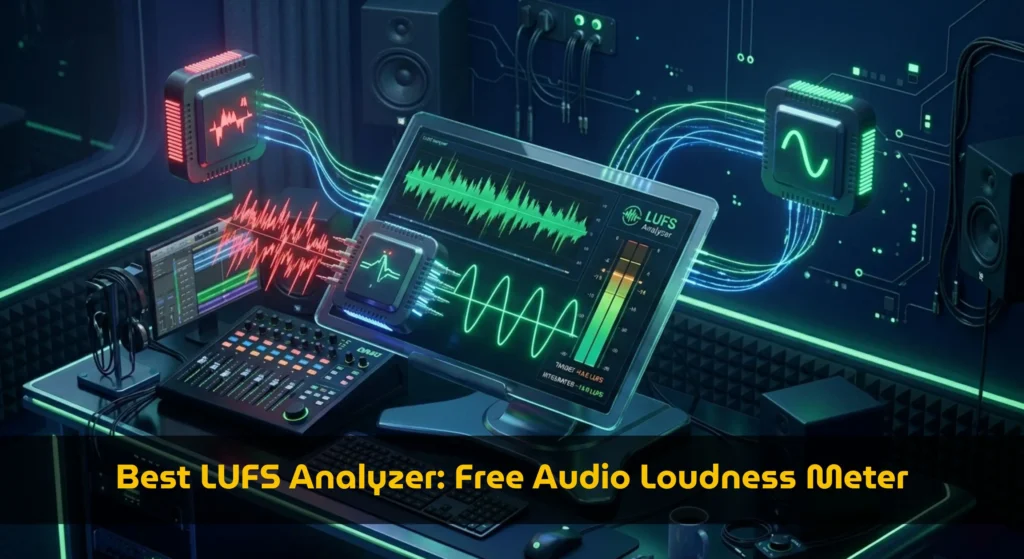
Regardless of the software you choose, you must adhere to industry loudness targets. Spotify and Apple require specific LUFS levels to prevent your audio from being penalized or distorted. Review our guide on podcast loudness standards before exporting your final master.
How to Optimize Your Post-Production Workflow
Selecting the right platform is only half the battle when using the best podcast editing software. Establishing a repeatable, efficient workflow ensures you can publish consistently without burning out. Follow this checklist to streamline your editing process from raw recording to final export.
- Organize and Label: Rename all raw files with the episode number and speaker name before importing.
- Sync and Align: If recording remotely, sync all tracks using a clap or slate marker at the beginning of the session.
- Subtractive Editing: Remove mistakes, long pauses, and filler words before applying any effects or EQ.
- Apply Processing: Add EQ, compression, and noise reduction to individual tracks, then route them to a master bus.
- Normalize and Limit: Apply a hard limiter to your master bus and normalize the final output to -16 LUFS (stereo) or -19 LUFS (mono).
- Verify Metadata: Ensure your ID3 tags, episode title, and show notes are correctly embedded before uploading to your host.
Frequently Asked Questions
What is the best podcast editing software for beginners?
For beginners, Descript and Podcastle are the top recommendations for the best podcast editing software. Their text-based and visual interfaces remove the intimidation of complex waveforms. They allow new creators to focus on the content and narrative flow rather than getting bogged down in technical audio engineering concepts.
Can I edit podcasts directly on my phone or tablet?
While mobile apps exist, they rarely qualify as the best podcast editing software and are generally limited to basic trimming and recording. For professional multitrack editing, EQ, and mastering, a desktop or laptop environment is highly recommended. Browser-based tools like Podcastle and Riverside offer the most flexibility for users on lightweight laptops or Chromebooks.
How do I ensure my edited audio meets platform requirements?
You must export your audio as a high-quality MP3 (at least 128kbps) or WAV file and ensure it meets the Apple Podcasts technical specifications. Additionally, always run your final master through a loudness analyzer to verify it hits the correct LUFS targets without clipping.
Conclusion: Elevate Your Audio Today
Ultimately, the best podcast editing software is the one that fits your specific workflow, budget, and technical comfort level. If you prioritize speed and automated cleanup, AI-driven platforms will save you countless hours. If you demand granular control and broadcast-quality sound design, a traditional DAW remains your best ally.
Take advantage of the free trials offered by the best podcast editing software tools like Descript, Riverside, and Podcastle to test their interfaces with your own raw audio. Once you find your perfect match, you can focus less on the technical hurdles and more on creating compelling content that resonates with your audience.
Make best podcast editing software Easier
Use Free Podcast Hashtag Generator: Best Viral Tags (2026) to put the steps from this guide into practice directly in your browser.